
Smart Events - Visual Event Sequences
A drop-in UnityEvent that does things over time: waits, conditions, loops, tweens, audio, spawning and UI as action lists in the Inspector, with no glue scripts.
Supported Platforms
- Instant download from your account after payment
- 14-day refund window
- Secure checkout and receipt from Paddle, our Merchant of Record
By purchasing you agree to our Terms, Refund Policy and Privacy Policy. Questions? Contact us.
Description
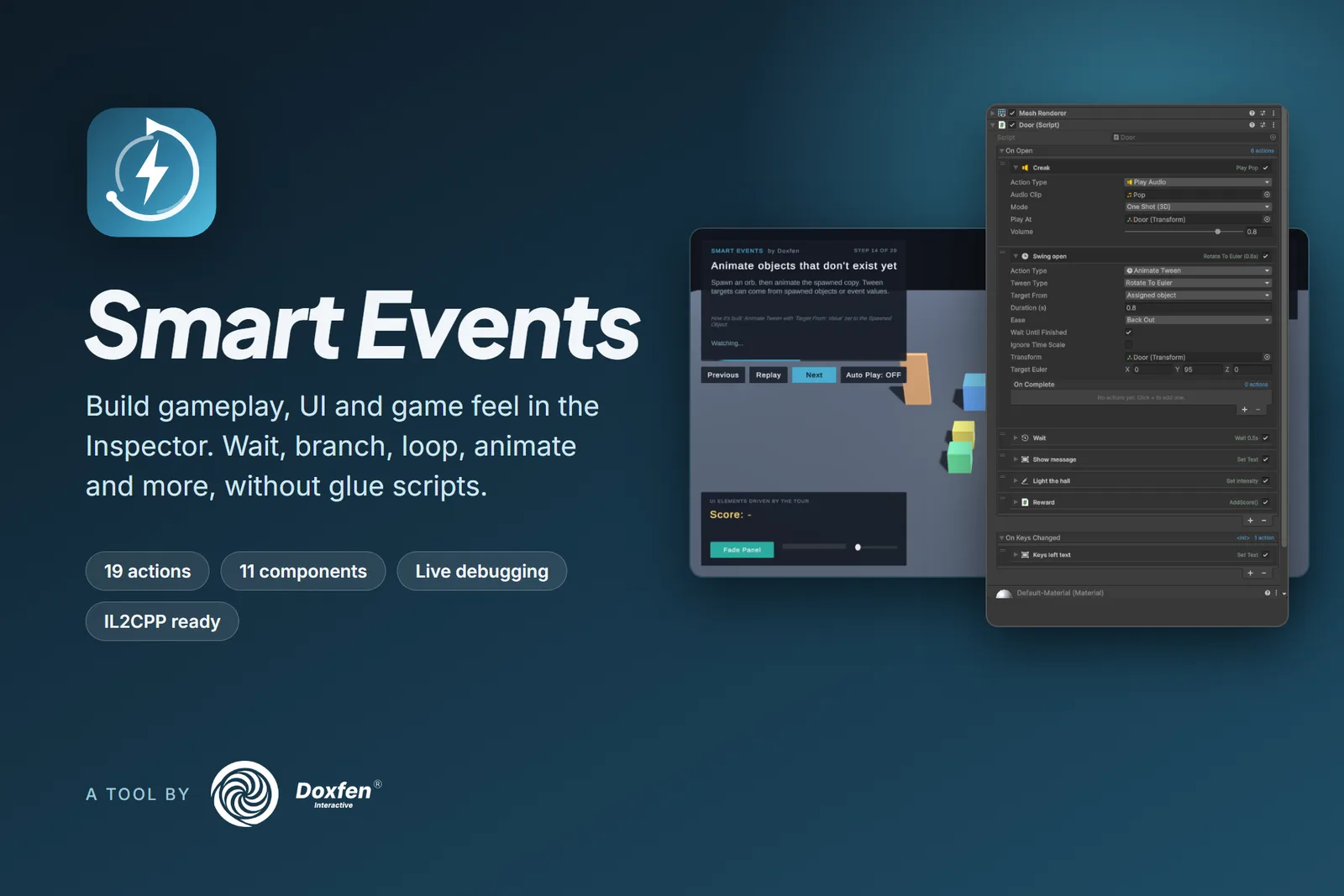
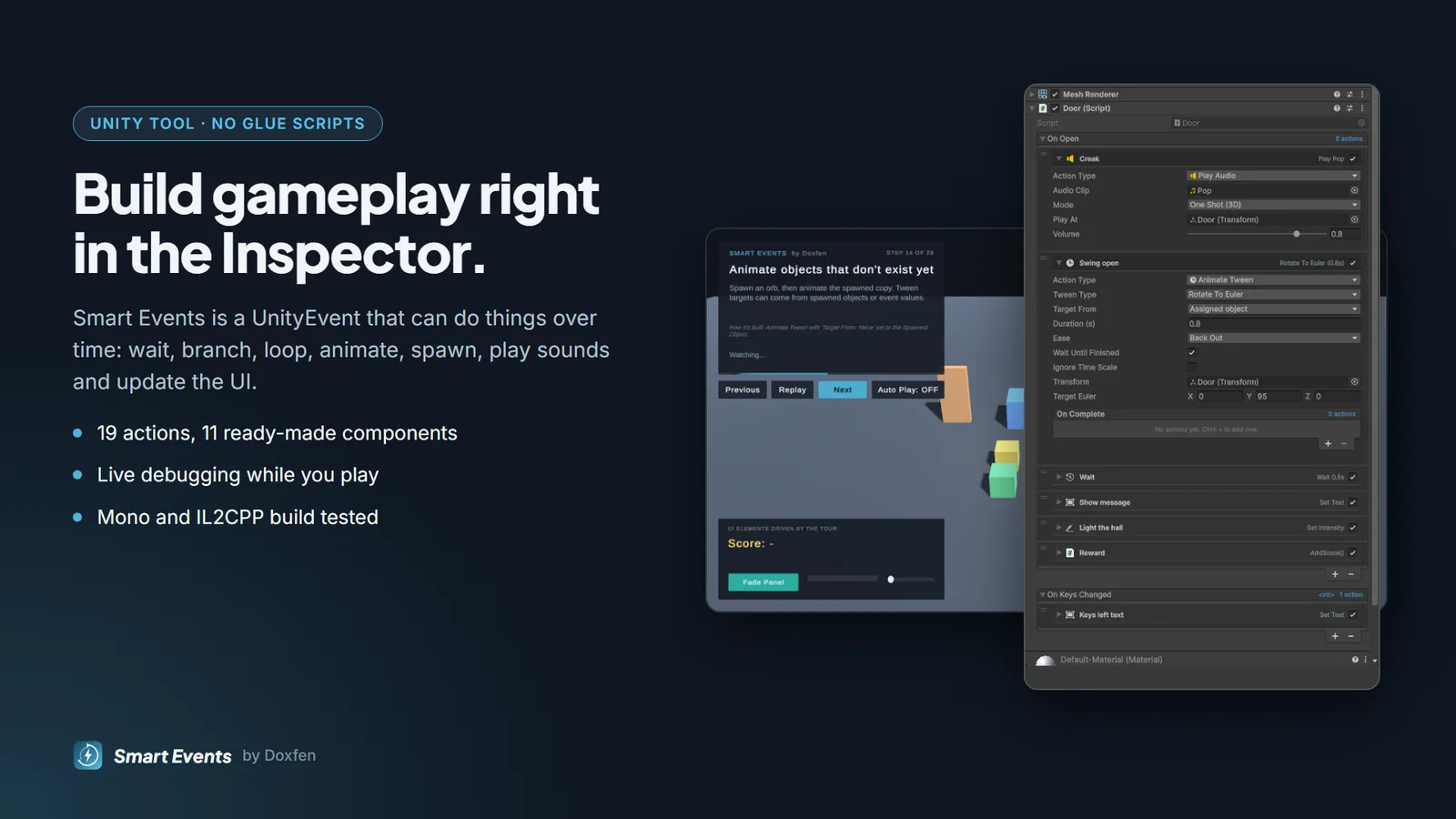
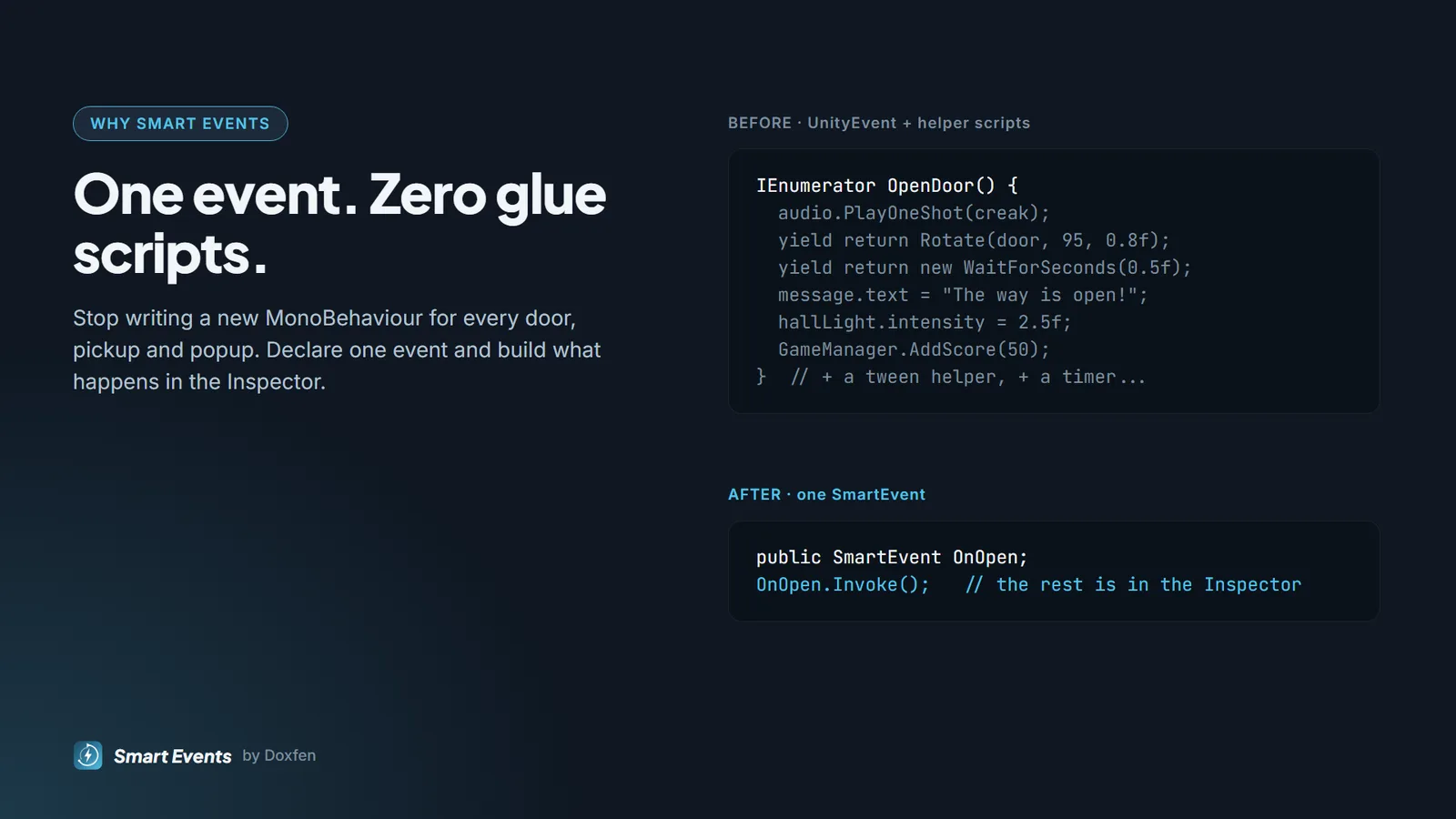
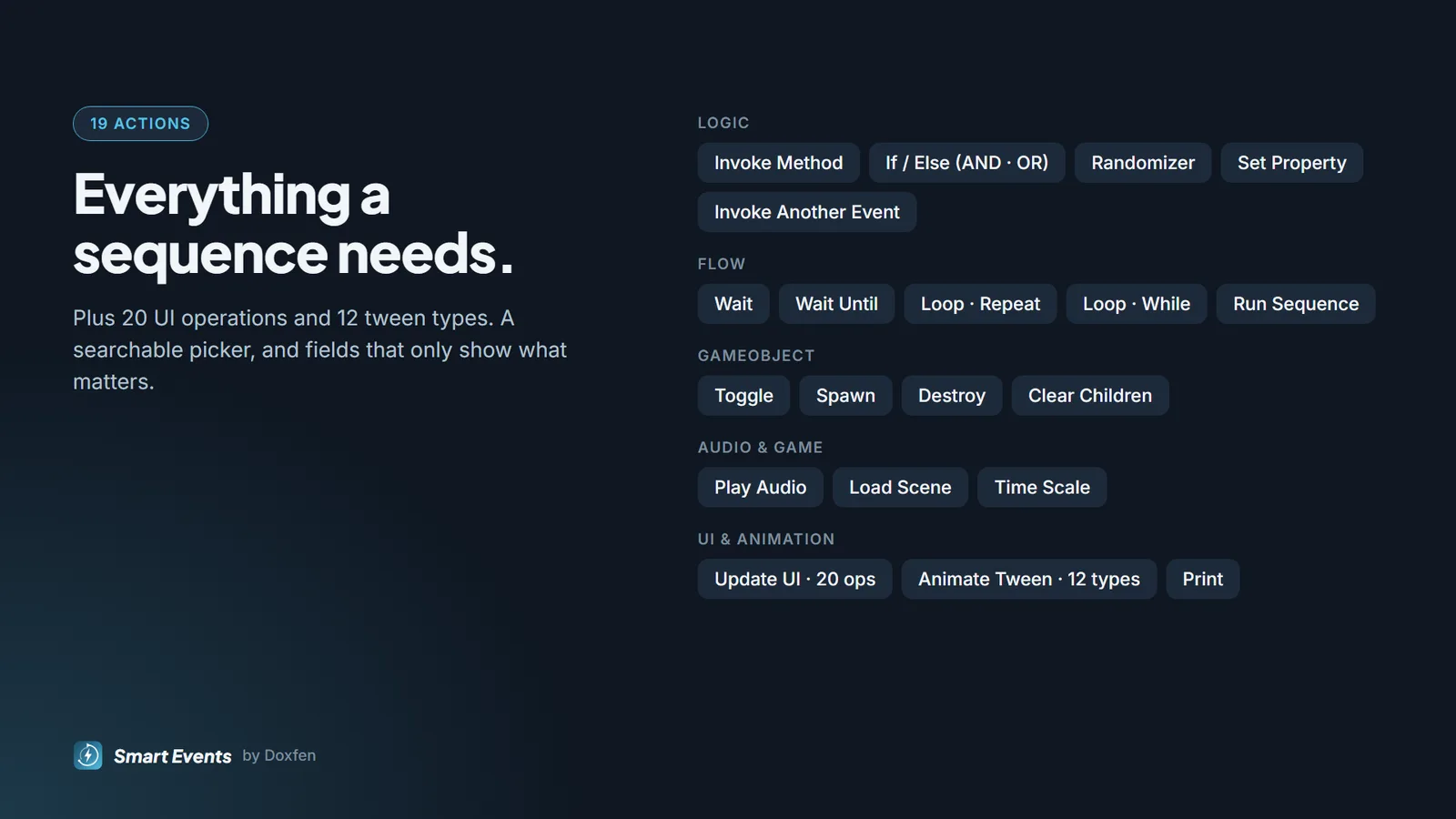
Smart Events is a UnityEvent that can do things over time. Declare an event in your script, call Invoke(), and build what happens as a list of actions in the Inspector: wait, branch, loop, animate, spawn, play sounds, update the UI, load scenes and call any method. Every door, pickup, popup, tutorial step or bit of game feel that used to need its own small script becomes one event you can see, tweak and reuse. It is not tied to any genre: it works for 2D and 3D, and for both designers and programmers. What you get: 19 action types (with 20 UI operations and 12 tween types); events that carry up to four values (SmartEvent<int>, SmartEvent<GameObject, float> and so on); If/Else with AND/OR, Wait Until, loops and a randomizer; built-in tweens for move, rotate, scale, punch, shake, fade, colour and typewriter; global values to read or set screen size, time scale, FPS lock, device info and your own static fields. 11 ready-made components under Add Component > Doxfen > Smart Events: Lifecycle, Update, Trigger 3D/2D, Collision 3D/2D, Pointer, Timer, Key, Visibility and Event Channel Listener. Reusable Smart Sequence and Event Channel assets. Live debugging in Play Mode: running actions light up, and every event has an Invoke button. A failing action is logged by name while the rest keeps running, while-loops cannot freeze the game, and endless event recursion is stopped. Included: a guided 29-step showcase demo scene, a complete user guide (PDF and Markdown) and the full C# source code. Own namespaces and assembly definitions; no project settings are changed. License: standard single-seat commercial license (one license per user).